jscad-mcp
@caliperhq/jscad-mcp is an MCP server that renders .jscad files to PNG using the OpenJSCAD geometry kernel and returns the images directly into Claude’s context — closing the perception loop so Claude can see what it builds.
A live web viewer runs alongside the server. Every render Claude produces is pushed to the viewer in real time via SSE, so you always see exactly what Claude sees.
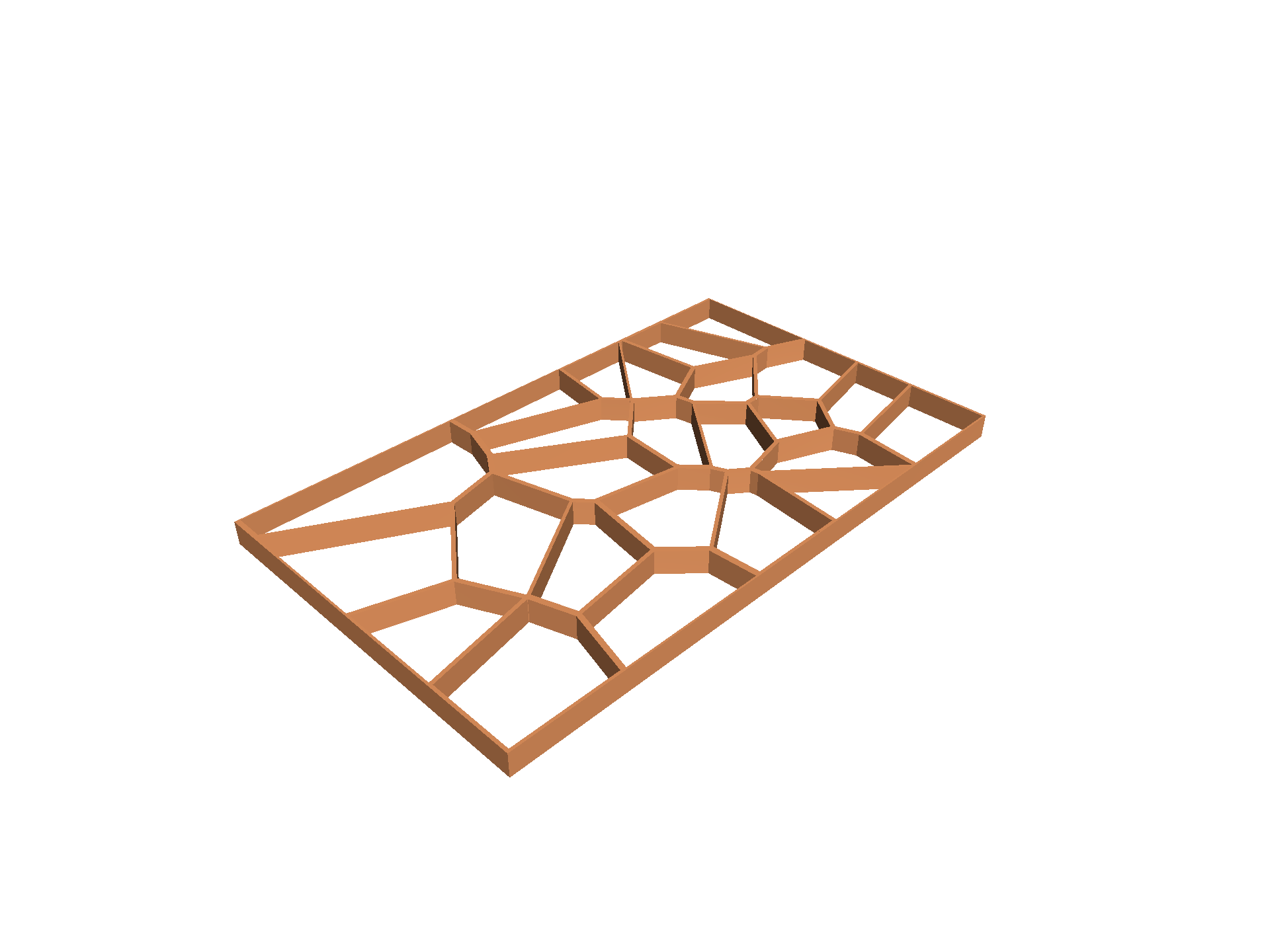
For a gallery of what it can do, see jscad-mcp-example — 13 demos with walkthroughs, iteration GIFs, and “Try in browser” links.
Requirements
Section titled “Requirements”- Node 18–22 recommended (Node 24 needs an extra step — see below)
- Native build tools for
headless-gl(no GPU needed, but native bindings are required):
# Debian / Ubuntuapt install libxi-dev libxmu-dev libgl1-mesa-dev libglu1-mesa-dev build-essential
# Fedora / RHELdnf install libXi-devel libXmu-devel mesa-libGL-devel mesa-libGLU-devel
# Gentooemerge x11-libs/libXi x11-libs/libXmu media-libs/mesa
# macOS (via Homebrew)xcode-select --install
Install
Section titled “Install”npm install -g @caliperhq/jscad-mcpOr run without installing:
npx @caliperhq/jscad-mcpNode 24 note
Section titled “Node 24 note”headless-gl 6.x does not compile on Node 24 with GCC 14+ due to a missing #include <cstdint> in the bundled ANGLE library. Either use nvm to switch to Node 20 LTS for the install step, or patch and rebuild after install:
npm install -g @caliperhq/jscad-mcpcd $(npm root -g)/@caliperhq/jscad-mcpsed -i 's/#include <vector>/#include <vector>\n#include <cstdint>/' node_modules/gl/angle/src/common/angleutils.hnpm rebuild glClaude Desktop config
Section titled “Claude Desktop config”Add to your claude_desktop_config.json:
{ "mcpServers": { "jscad": { "command": "jscad-mcp", "args": [] } }}If you installed locally, point at the entry script instead:
{ "mcpServers": { "jscad": { "command": "node", "args": ["/path/to/jscad-mcp/src/index.js"] } }}Claude Code CLI config
Section titled “Claude Code CLI config”claude mcp add --scope user jscad jscad-mcpOr with a local clone:
claude mcp add --scope user jscad node /path/to/jscad-mcp/src/index.jsSkills
Section titled “Skills”Install the bundled Claude Code skills for the best experience — they teach Claude the render-verify loop and the full JSCAD API:
SKILLS_DIR="$HOME/.claude/skills"PKG_DIR="$(npm root -g)/@caliperhq/jscad-mcp"mkdir -p "$SKILLS_DIR"cp -r "$PKG_DIR/skills/jscad-mcp" "$SKILLS_DIR/"cp -r "$PKG_DIR/skills/jscad" "$SKILLS_DIR/"cp -r "$PKG_DIR/skills/jscad-wiki" "$SKILLS_DIR/"cp -r "$PKG_DIR/skills/jscad-examples" "$SKILLS_DIR/"MCP tools
Section titled “MCP tools”Rendering
| Tool | Description |
|---|---|
take_standard_views | Render iso, front, side, and top in one call |
take_image | Render from a specific azimuth, elevation, zoom, and target |
slice | Cross-section view: cut along x/y/z plane, camera auto-oriented |
Named parts
| Tool | Description |
|---|---|
list_parts | List named parts with bounding boxes |
highlight | Render with one named part lit up, the rest faded |
label_parts | Render with a legend mapping part names to screen positions |
Session / diagnostics
| Tool | Description |
|---|---|
open_viewer | Open the web viewer in the default browser |
echo | Verify the MCP connection |
render_test | Confirm the render pipeline works (no input needed) |
All tools accept either file (absolute path to a .jscad) or code (inline JSCAD source). Render tools also accept optional width / height (pixels), a named resolution preset (thumbnail, small, normal (default, 800×600), large, high-quality), and showGrid / showAxis toggles.
Web viewer
Section titled “Web viewer”The server starts a local web viewer on launch; the browser opens automatically on the first render.
- 3D canvas — interactive view via
@jscad/regl-rendererwith correct per-solid colors. Drag to rotate, scroll to zoom, shift-drag to pan. - File browser —
.jscadand.jsfiles rooted at your project directory - Parts panel — named parts listed with color dots; click to isolate or show all
- Thumbnail strip — every render Claude makes appears here in real time
- Grid / axis toggles — bottom-left corner; state saved to
localStorage - Editor link — opens the full
@jscad/webeditor in a new tab, pre-loaded with the current file
File format
Section titled “File format”Files use CommonJS and export a main() function:
'use strict'const { primitives, booleans } = require('@jscad/modeling')const { cuboid, cylinder } = primitivesconst { subtract } = booleans
const main = () => subtract(  cuboid({ size: [40, 40, 20] }),  cylinder({ radius: 10, height: 22 }))
module.exports = { main }
Named parts
Section titled “Named parts”Export a parts map alongside main to unlock list_parts, highlight, the parts panel in the web viewer, and part-aware label overlays:
'use strict'const { primitives, transforms } = require('@jscad/modeling')const { cuboid } = primitivesconst { translate } = transforms
const body = () => cuboid({ size: [40, 30, 20] })const lid  = () => translate([0, 0, 20], cuboid({ size: [40, 30, 5] }))
module.exports = {  main: () => [body(), lid()],  parts: { body: body(), lid: lid() }}
How it works
Section titled “How it works”- Evaluates
.jscadfiles in-process using@jscad/modeling - Renders using
@jscad/regl-renderer+headless-gl— pure software rendering, no GPU required - Returns base64-encoded PNG images as MCP
imagecontent blocks - Geometry JSON is also served to the web viewer’s live 3D canvas
- Renders are cached in
.jscad-cache/at the project root
- Source: github.com/caliperhq/jscad-mcp
- Package: @caliperhq/jscad-mcp on npm
- License: MIT (third-party attribution in NOTICE)