Image → lithophane
novel input: photo as geometry
Photo → grayscale heightmap → 3D-printable translucent panel.
What it is
A lithophane is a thin translucent panel whose local wall thickness encodes an image: dark pixels become thick walls (block more light), bright pixels become thin walls (let more light through). When you backlight the printed panel, the image reappears as a tonal play of light. The example ships with a van-Gogh-style portrait baked in; a one-line script swaps in your own.
Why visual feedback matters
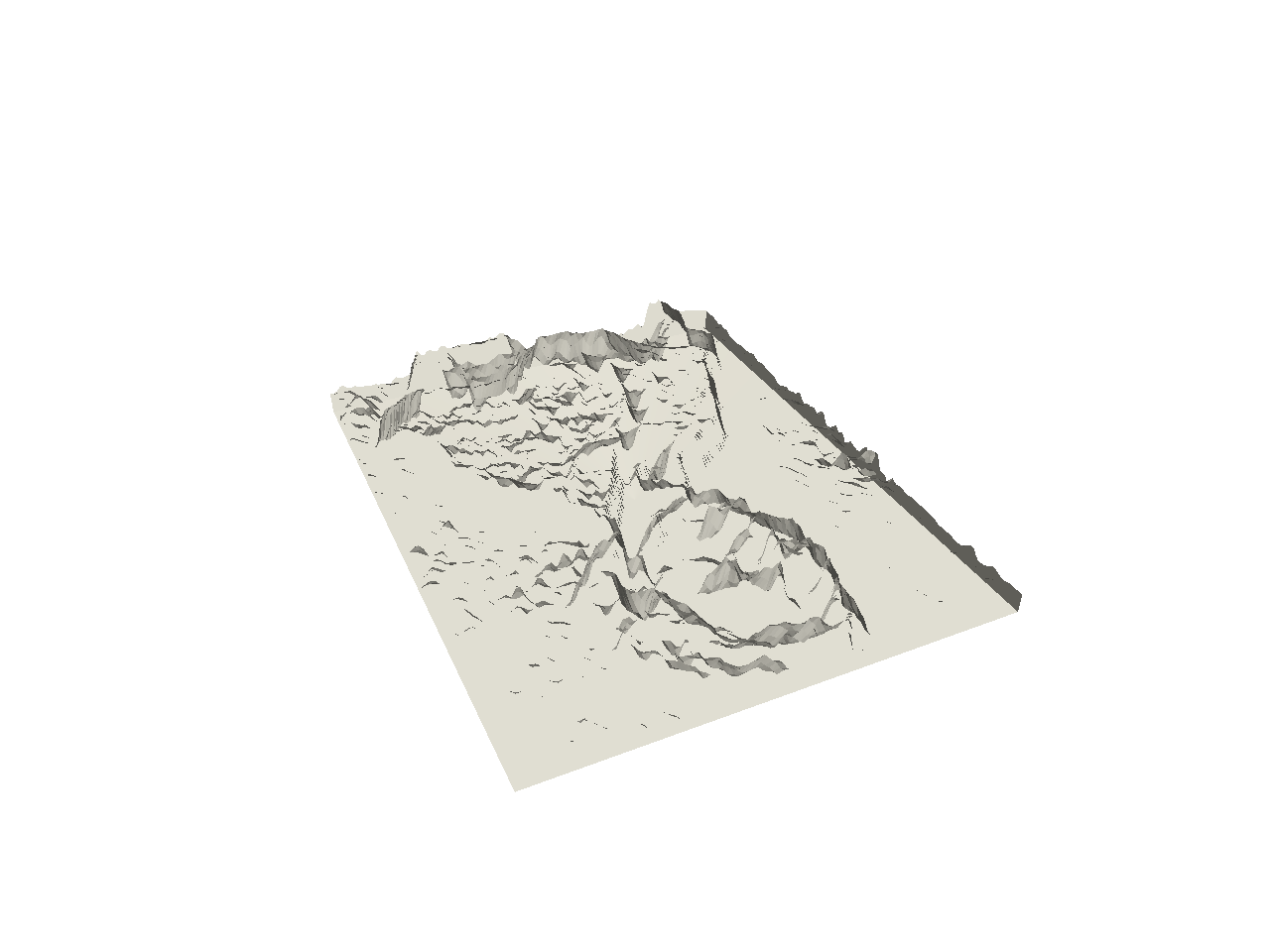
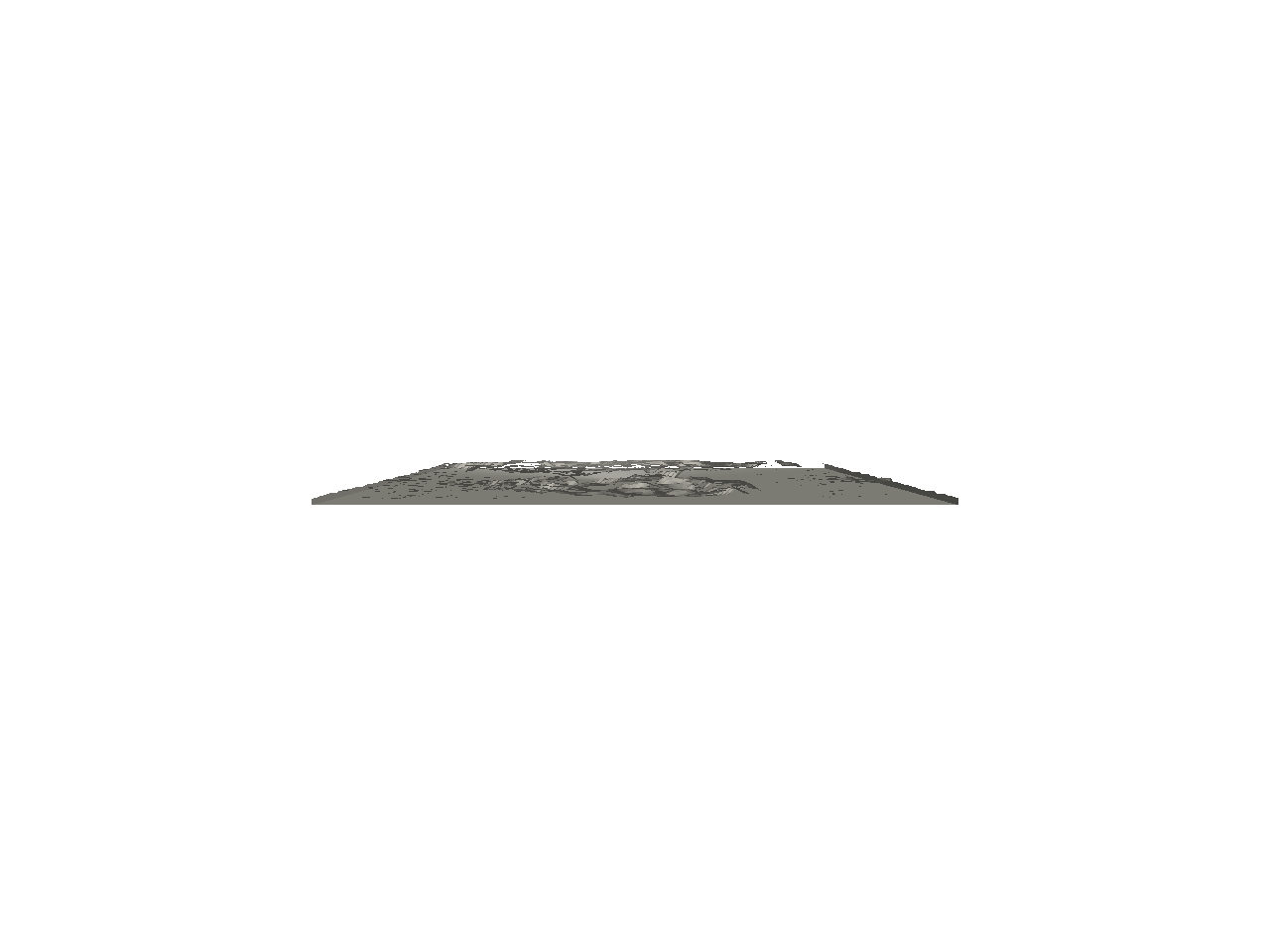
This is the first example in the repo where the input is not code — it’s an image. Claude reads the photo natively, the preprocessor downsamples it to a grayscale heightmap, and the .jscad file builds one polyhedron with one vertex per grid corner. It’s also a perception-loop subtlety: a real-thickness lithophane renders as a nearly featureless white card because the image is meant to be read by transmitted light. The hero shot temporarily exaggerates the relief ~5×; the grazing-angle profile shows the real geometry.
Screenshots
Hero shot uses `maxThickness: 15` so diffuse shading reveals the image; the printable default `maxThickness: 3` produces the subtle profile on the right.
Parameters
Parameters 3
| Name | Default | Description |
|---|---|---|
pixelSize | — mm | Physical size per source pixel. At 120 px wide and 1 mm/px the panel is 120 mm wide. |
minThickness | — mm | Wall thickness at the brightest pixels. Below ~0.6 mm the panel won’t print reliably. |
maxThickness | — mm | Wall thickness at the darkest pixels. Real lithophanes top out around 3 mm. |
Try it
- Open in your browser → openjscad.xyz, bundled single-file
- Source on GitHub →
- Full walkthrough on GitHub →